Smart Animation
A collection of UI case studies that explore mobile-first interface design through interactive prototypes and seamless transitions created with Figma's Smart Animate.
UX/UI Design
Project Overview
Role(s): UI Designer
Team: Individual
Tool(s): Figma, Procreate
For: Case Study for Smart Animation in Figma
Category: #visual #animation #uidesign
Introduction to Figma Smart Animate
This collection of case studies explores the creative potential of Figma's Smart Animate feature in user interface design. Inspired by the work of UI designer Howard Le (Instagram: @uxui_howard.le), whose short-form videos showcase interface design techniques, animations, and design resources, the project investigates how Smart Animate can be used to create smooth, expressive transitions. Through careful use of components, constraints, and layer manipulation, the feature can produce interactions that closely resemble motion graphics created in dedicated video editing software.
Each case study focuses on recreating and adapting different interface styles while experimenting with animation techniques and interaction design.
Design Inspirations
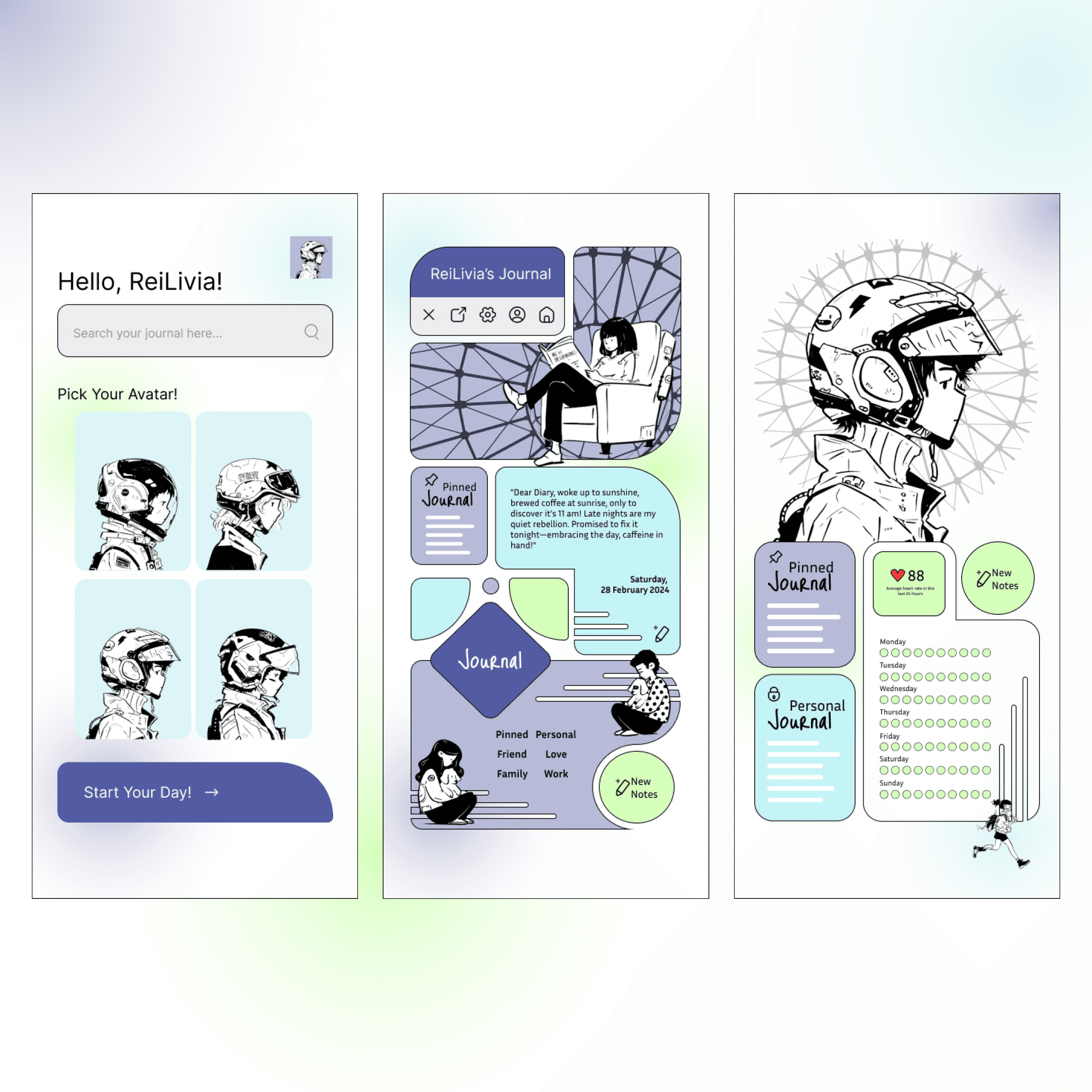
The Journal, Layout adapted from a UI concept by Howard Le.
Sakura, Inspired by the interface design of the mobile game Love and Deepspace.
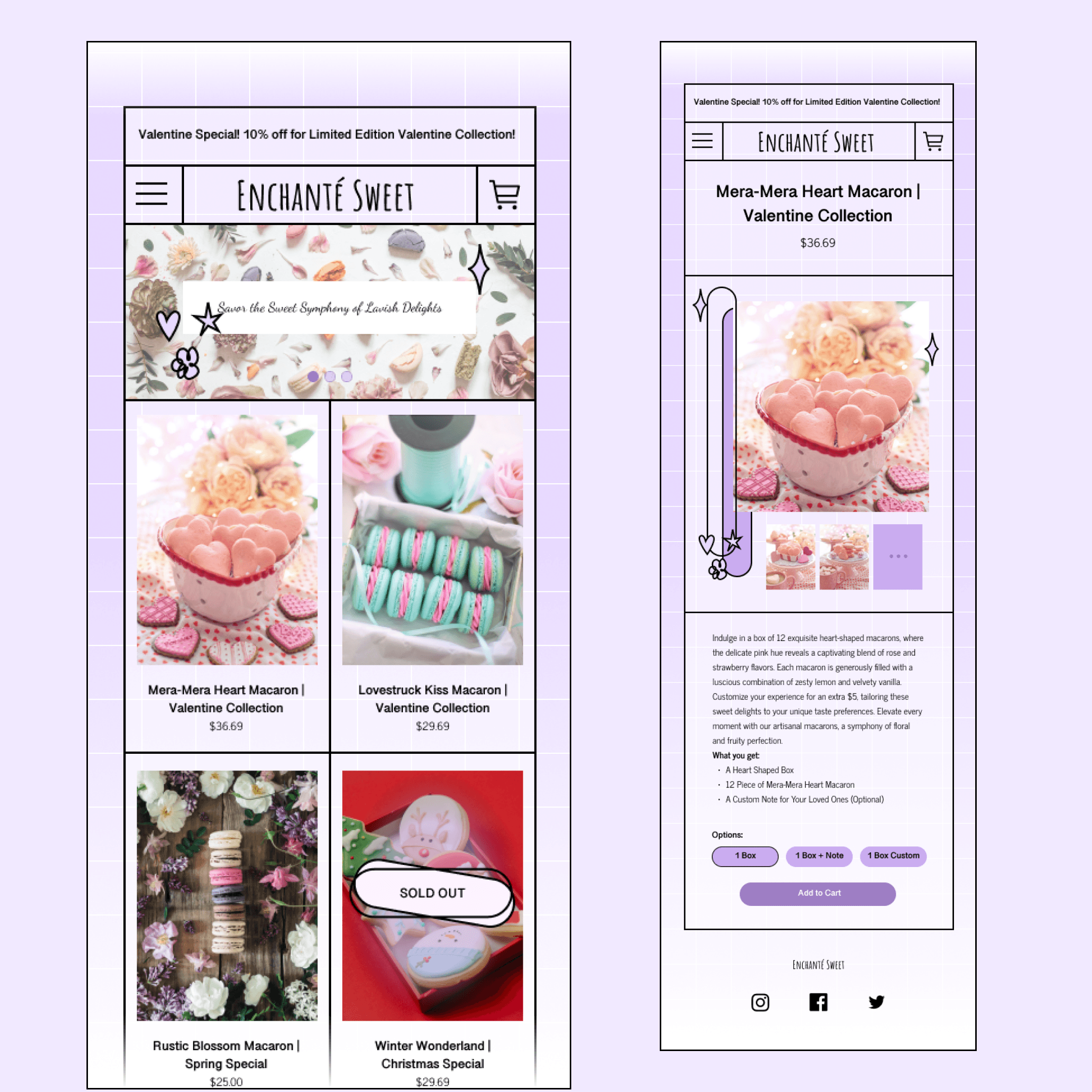
Enchanted Sweets, Inspired by the merchandise website released by content creator LilyPichu in 2023.

Applying Smart Animate to Enhance Functionality
After becoming familiar with Figma's Smart Animate, the exploration shifted from creating visually appealing transitions to investigating how animation could support usability. While interface animations are often used to enhance the aesthetic quality of a mobile website, this study questions whether they can also serve a functional purpose by improving the user's interaction with the interface.
The case studies explore how motion can communicate system feedback, guide attention, reinforce hierarchy, and create smoother navigation, demonstrating that animation can contribute to both the visual experience and the overall usability of a digital product.

Gardenia Kitchen
The Gardenia Kitchen concept explores how animation can become an integral part of a website's navigation rather than functioning purely as decoration. The design features a rotating plate-inspired menu, where each menu category is presented as a different section of the plate.
To achieve this interaction, a reusable Figma component was created and applied across each menu page. By adjusting the rotation value between frames and connecting the corresponding interactions, the transitions create the illusion of a physical plate rotating on a table. A like button using an overlay interaction was also incorporated as an additional functional detail.
Water Loading
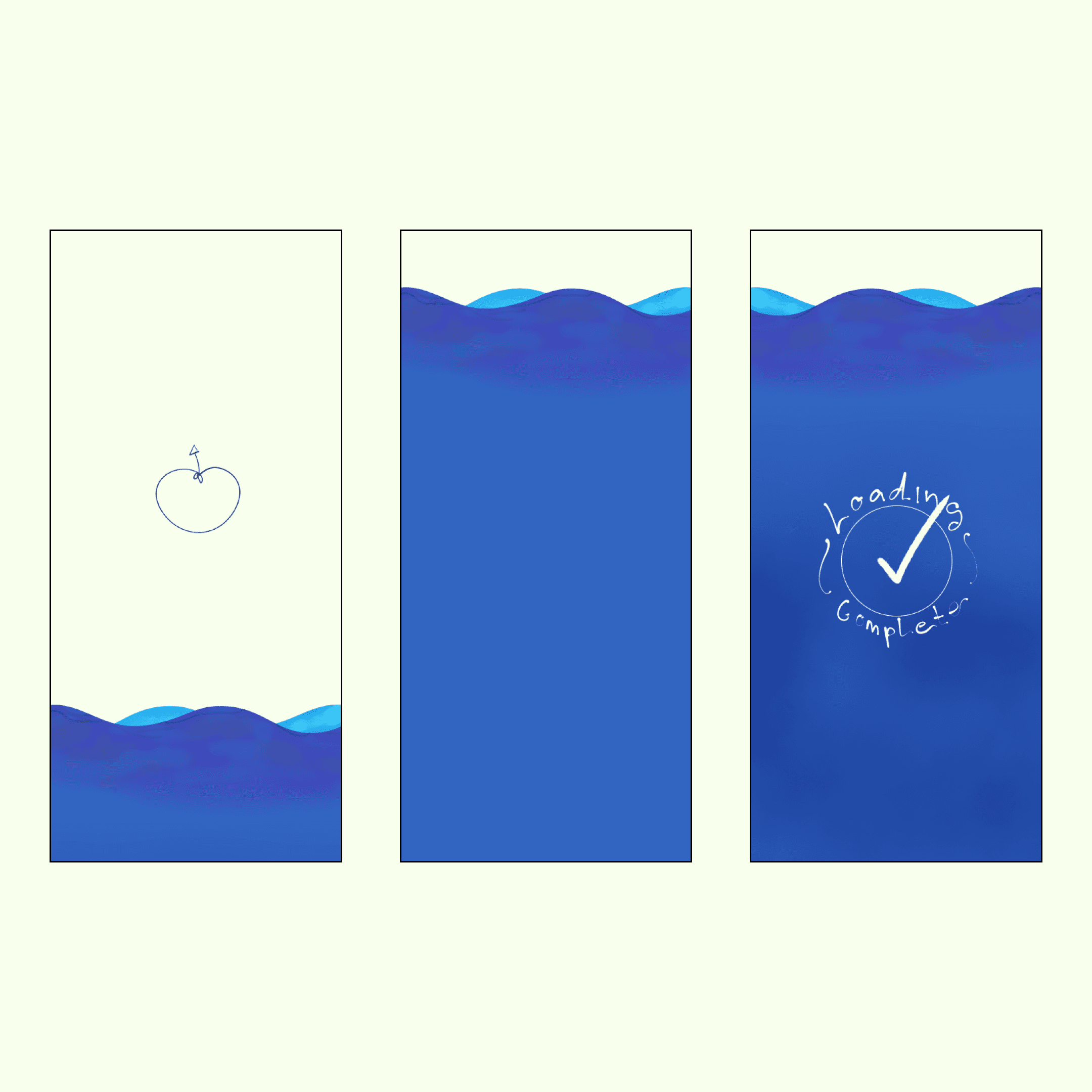
While developing Gardenia Kitchen, further exploration into Figma Smart Animate led to the discovery of water-filling animations created through carefully controlled transitions. This inspired an experiment with using animation to represent loading progress in a more playful and visually engaging way.
The water and wave elements were illustrated on an iPad and then incorporated into the Figma prototype. Although the final interaction is visually simpler than the rotating menu, achieving a seamless result required more precise control over layer positioning, timing, and transition states. The study demonstrates how relatively simple visual elements can create convincing motion when carefully structured and timed.
Storytelling with Smart Animate
Storytelling has been a key area of interest throughout the designer's personal projects. This exploration investigates the extent to which Figma, primarily a UI design and prototyping tool, can be pushed beyond conventional interface interactions to create narrative-driven animation comparable to workflows in Adobe Animate or After Effects.
Lure w Me
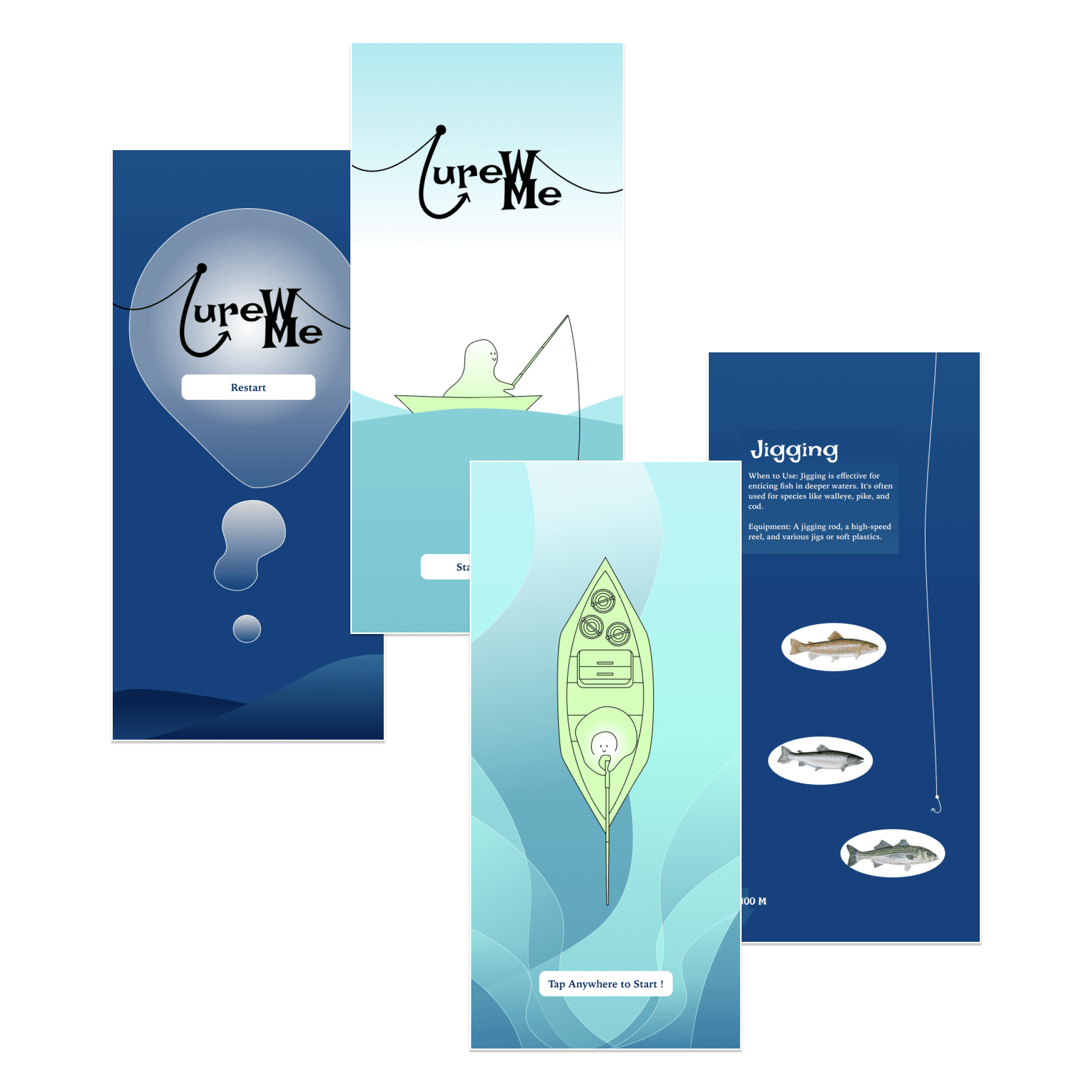
Building on the water-loading animation experiment, Lure w Me explores the use of Smart Animate to create a storytelling mobile website introducing different types of fishing to beginners.
The project presented a more complex animation challenge due to the large number of layers and individual elements required to construct each scene. While the final result did not achieve the intended level of fluidity, the process revealed important limitations of using Smart Animate for narrative animation. Delays between transitions, particularly those caused by easing, made it difficult to achieve precise sequential movements.
The project also highlighted a key design consideration: animation should support the content rather than overshadow it. Too much attention was placed on choreographing the movement of individual layers between frames, resulting in less focus on the website's content and storytelling structure. This became an important learning point for balancing visual experimentation with effective communication.
Functional Storytelling Website Using Smart Animate
After approximately two months of experimentation, the case study was ready to be documented and shared through the designer's design-focused social media platforms. During this process, research into interactive design led to the discovery of invitation websites, digital platforms designed to share event information, provide details, and manage guest RSVPs.
While commonly associated with businesses, conferences, and other formal events, invitation websites are also increasingly used for personal occasions such as weddings, birthdays, and celebrations. This opened up a new direction for the case study: applying the principles of functional storytelling to interactive invitation websites.
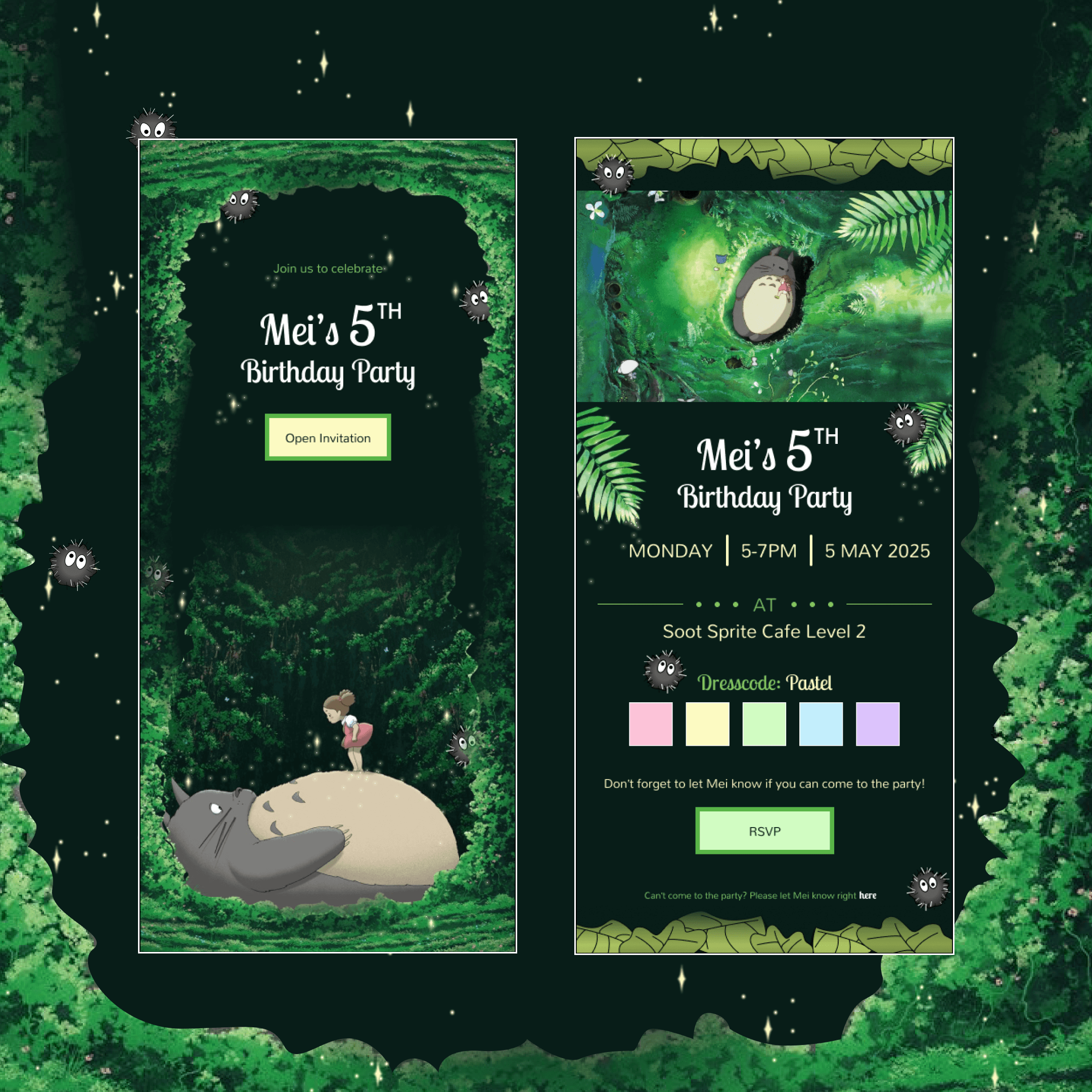
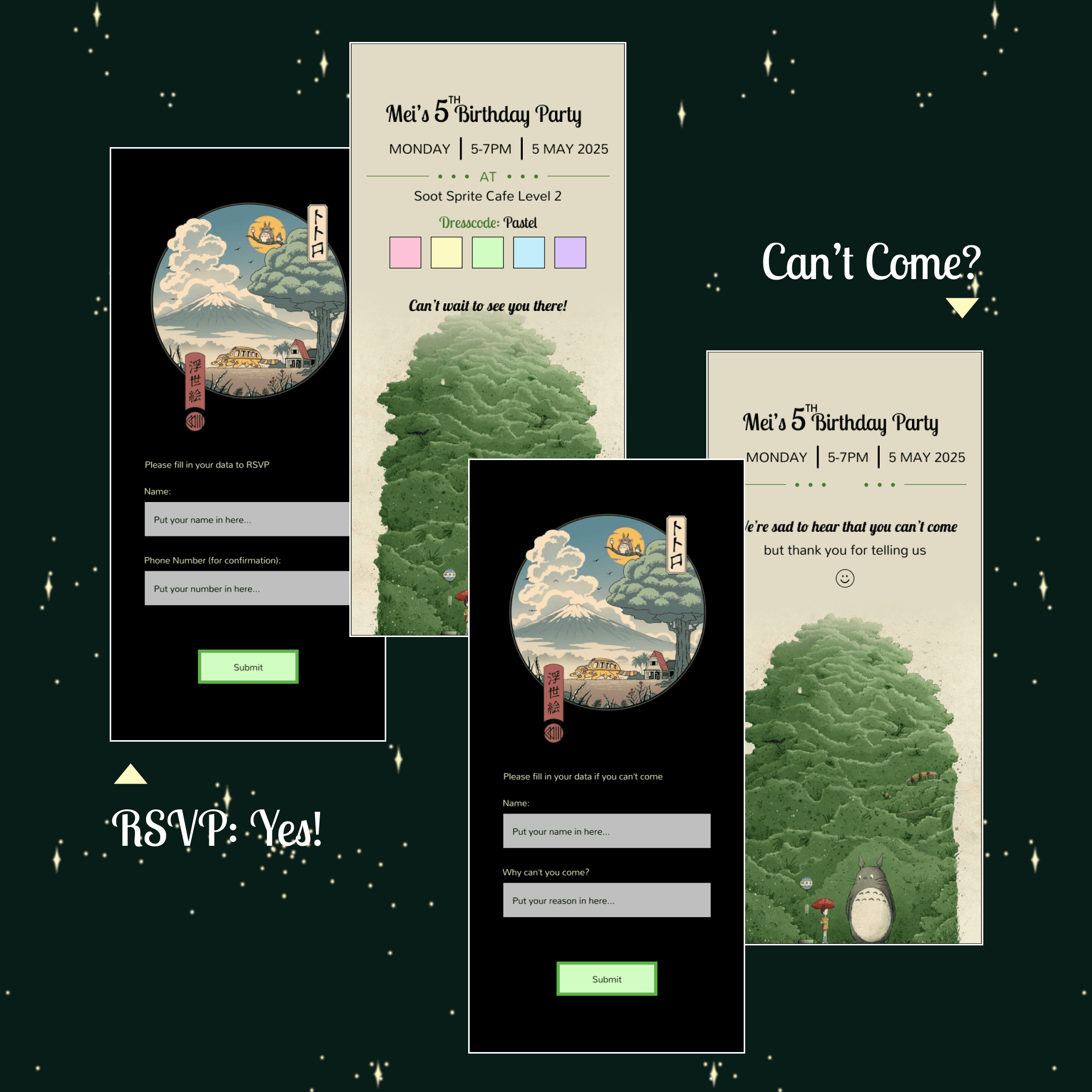
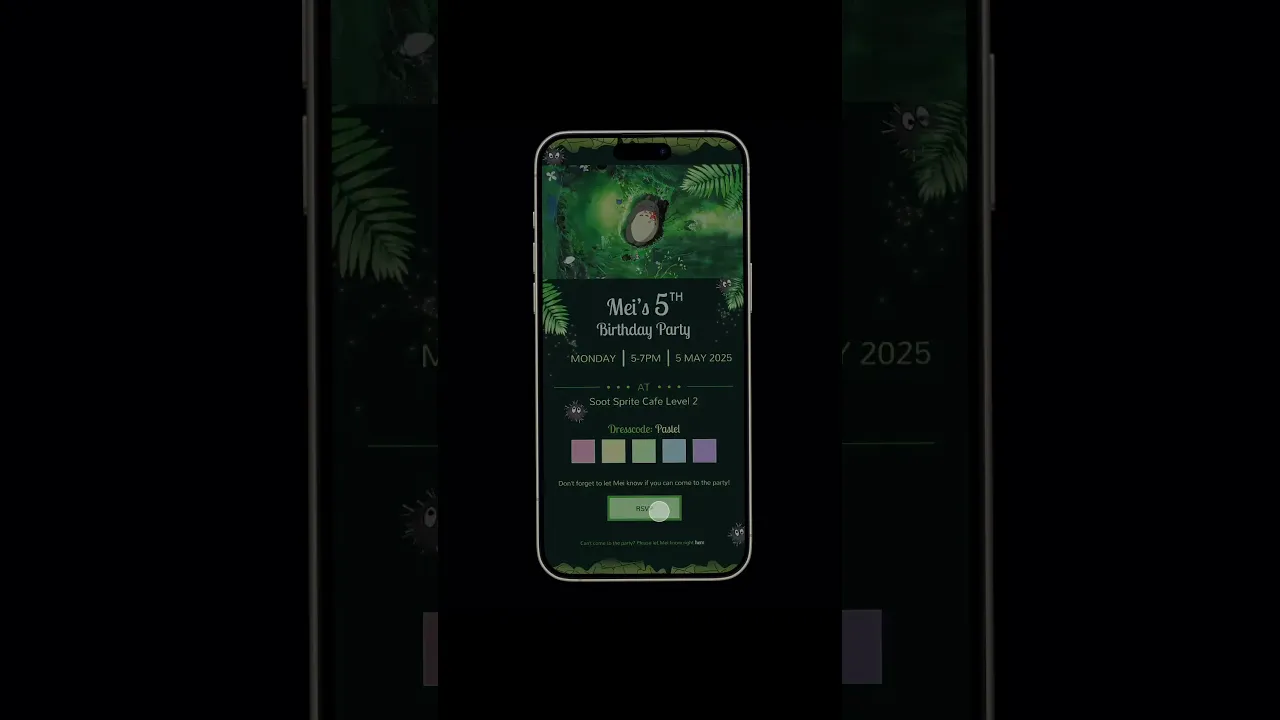
The exploration resulted in two concepts: a children's birthday party invitation and a gender reveal invitation website. Because the prototypes were developed entirely in Figma, the designs were limited in their ability to incorporate complex media such as video and audio. Smart Animate was therefore used to create engaging transitions and visual storytelling between frames, demonstrating how animation can compensate for these limitations while still supporting the overall narrative and user experience.